

Kraken
PI spot trading announcedKraken announced PI trading on March 13, 2026. Confirm native PI funding, trading and regional access in your own account.
Official trading noticePublished source ↗
Read Kraken guide →The video is the main guide. Watch it first, then use our written walkthroughs to check exchange support, transfer steps and available cash-out options.
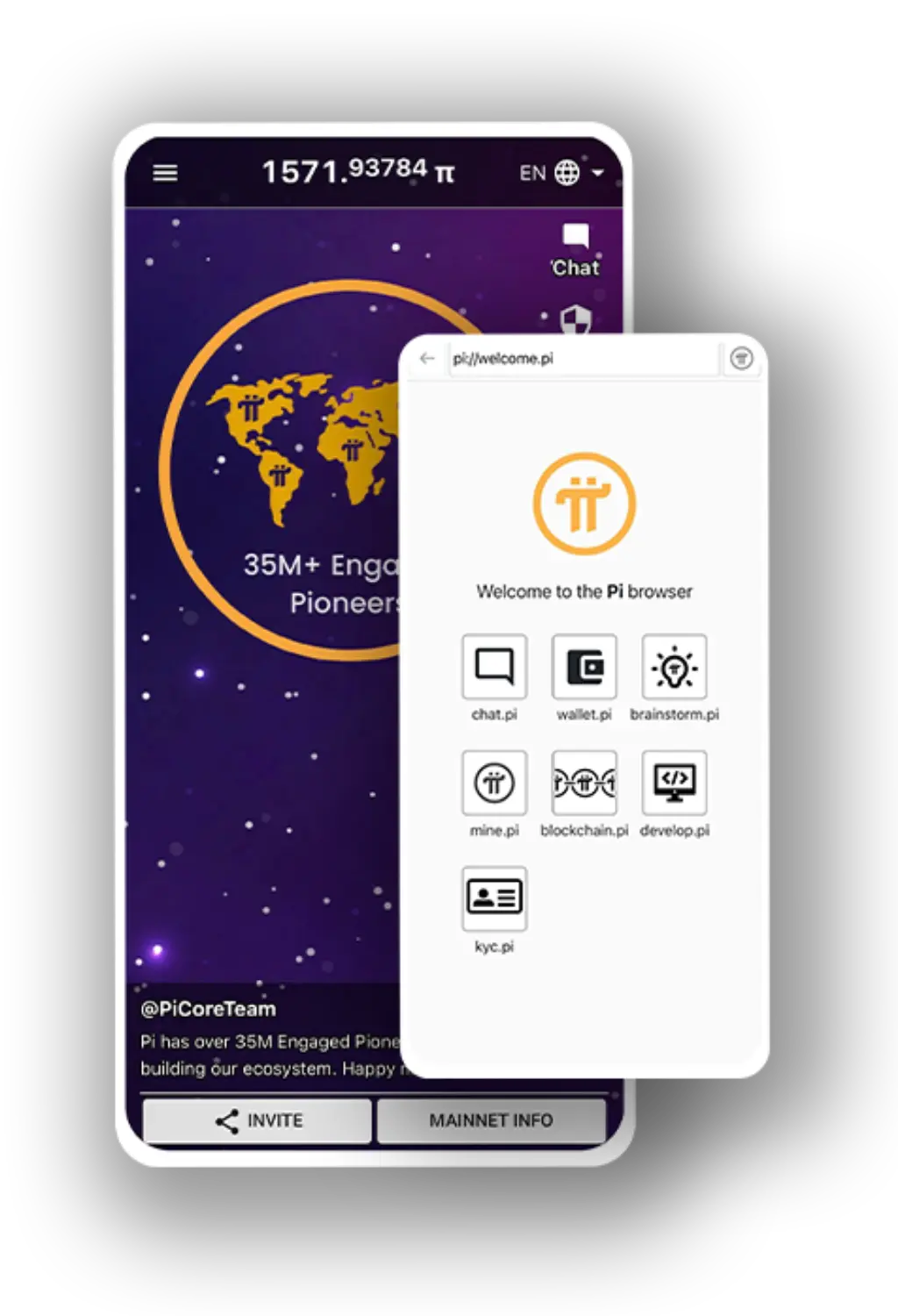
Pi coin withdrawals begin with your transferable Mainnet balance, not just the amount you see in the mining app. KYC, migration, wallet availability and exchange deposit support all matter.
Pick a practical, clearly written guide. Each page includes a checklist, common mistakes and a link back to the video.
This is the typical journey when native PI deposit, trading and a suitable payout method are all available to you.
Verify KYC, migration and the available wallet balance.
Use a live native Pi deposit route on a trusted exchange.
Trade PI on an available pair such as PI/USDT.
Choose an eligible withdrawal or P2P option in your region.
Different platforms offer different PI services. These are official listing or verification references, not live deposit guarantees.
Kraken announced PI trading on March 13, 2026. Confirm native PI funding, trading and regional access in your own account.

OKX published native PI deposit and PI/USDT listing timelines. Services and supported regions can change.

MEXC published native PI deposit/withdrawal support and spot PI markets. Check live status, fees and restrictions.

Bitget announced PI spot listing and explicitly noted some regions cannot deposit or trade PI. Verify eligibility.

Gate appears on Pi Network’s verified-business list. Confirm native PI deposit and spot markets directly with Gate.

Pionex is KYB-listed. Verification is not proof that a particular PI pair or deposit route is live for you.

LBank is on Pi Network’s KYB list. Independently confirm the PI market, transfer requirements and local eligibility.

Banxa is a third-party access provider, not automatically a PI/USDT spot order book. Supported functions depend on country.

Onramper is listed by Pi Network as verified. Check its actual payment routes, quotes and asset support.

Onramp.money is KYB-listed; confirmation of a PI buying or selling route requires checking the provider.

TransFi appears on the verified list. Do not assume every fiat currency or PI payout method is enabled.

Zypto is verified by Pi Network. Check service details and availability rather than assuming native PI deposit support.

Binance is not on Pi Network’s current KYB list. A Binance Wallet swap is not the same as a live centralized native PI deposit. Check official Binance information before attempting a transfer.
Source checks: Pi Network’s KYB list ↗ · Binance PI guide ↗. Availability can change; verify before transferring funds.
Find live PI/USD market information and a currency converter on the dedicated Pi coin price page, or review your withdrawal readiness here.

View the PI price in USD, explore historical price movements, and calculate PI to KES, USD, EUR, NGN and more using real market data.
View Pi price & calculator ↗Market data from CoinGecko · Local currencies via reference ratesComplete these checks before attempting a transfer. Nothing is connected to your wallet.
The embedded YouTube tutorial is the video featured on this page. Use the written guides alongside the video, and always check official, up-to-date instructions before moving coins.
▶ Watch on YouTubeEach logo links to an independent explainer—not a claim that every PI trading or cash-out feature is currently supported.
KrakenExchangeOKXExchangeBanxaServiceOnramp.moneyServiceOnramperServiceZyptoServiceMEXCExchangeTransFiServicePionexExchangeGateExchangeBitgetExchangeLBankExchangeVerification source: Pi Network KYB directory ↗. Binance is not included in this verified-business list.
Original, source-linked articles explaining what verified exchanges and payment providers can—and cannot—do for Pi holders.
Explore all articles ↗Kraken, OKX, MEXC, Bitget, Gate, Pionex, LBank and payment providers like Banxa and Onramper compared by function and official source.
Read the articleDiagnose common Pi Wallet transfer failures including locked funds, pending Mainnet migration, network fees, and 2026 Fast-Track wallet updates.
Read the articleExchange guidesKraken announced PI trading in March 2026. Understand native PI funding, trading eligibility, deposits and the difference between selling and cashing out.
Read the articleExchange guidesCheck OKX PI/USDT spot trading, native Pi deposits, account eligibility and the steps required to convert transferable PI into another asset.
Read the articlePayments and onrampsPi Network named Banxa as a verified third-party onramp. Understand its wallet-activation history and check current supported services.
Read the articleUnderstand the difference between Binance centralized PI deposits and wallet swap references, and find verified exchange checks before sending.
Read the articleShort, straight answers to the questions beginners ask about withdrawing, selling, converting, exchanging and cashing out Pi.
After completing Pi KYC and Mainnet migration, check your available Pi Wallet balance. Use an exchange with a currently active native PI deposit service, copy its official deposit details and transfer cautiously.
Deposit transferable PI at an exchange supporting the asset, trade on an available pair such as PI/USDT, then use a supported fiat or approved P2P withdrawal route in your country.
Yes, where a PI/USDT spot market is available and native PI deposits are accepted. You must first have transferable Mainnet PI. Check spread and fees.
Binance’s own PI guide says it is not currently listed for spot trading on the Binance centralized exchange. Do not send native PI to unsupported deposit details.
Pi Network’s KYB list includes Kraken, OKX, MEXC, Bitget and Gate. Separate official exchange notices confirm PI markets at several venues. Always verify live deposits and your regional eligibility.
Your transferable Mainnet balance may be smaller than the mining-app total, some coins may be locked, or the amount may not leave enough for network fees. Also confirm the receiving network and destination.
Do not trust promises to instantly unlock an active lockup using a third-party form or passphrase. Check your official Pi wallet and project documentation for lockup terms.
Never. This is an independent educational website, not a wallet service, exchange or withdrawal processor. Only enter a passphrase in the official Pi Wallet.
Follow the video, compare verified sources, and avoid the common Pi withdrawal mistakes.